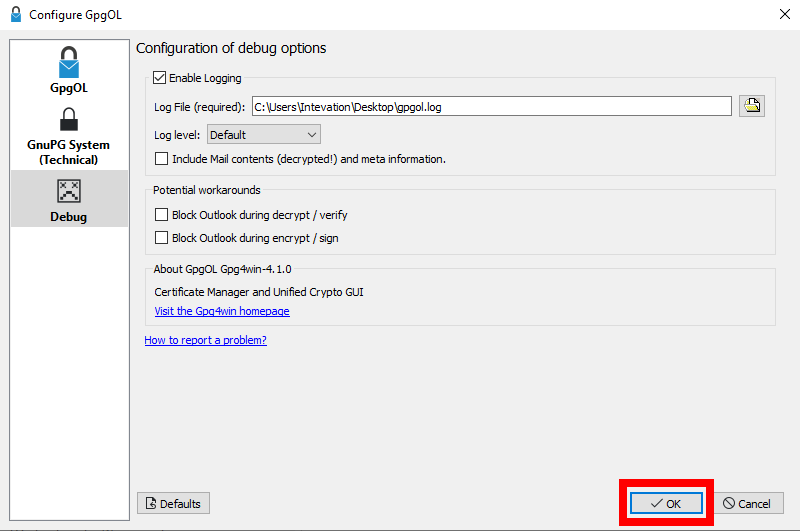
Logging with GpgOL
Here you can find out how to create log files for/with GpgOL.
Important: If you don't need the logging anymore, please disable it. Otherwise the log file will continue to grow and you'll waste the space on your harddrive.
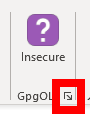
1. Open settings for GpgOL by clicking on the small arrow in the ribbon of GpgOL
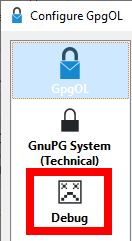
2. Open the tab "Debug"
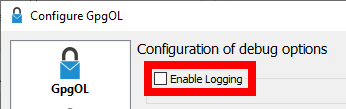
3. Click on the checkbox "Enable Logging"
4. Confirm the new settings with "OK"